Scan the signal
Import MP4, M4V, or MOV recordings from a security camera, doorbell, or trail camera and skip the quiet stretches.
Import security camera, doorbell, or trail camera footage and jump straight to the moments where something moves.
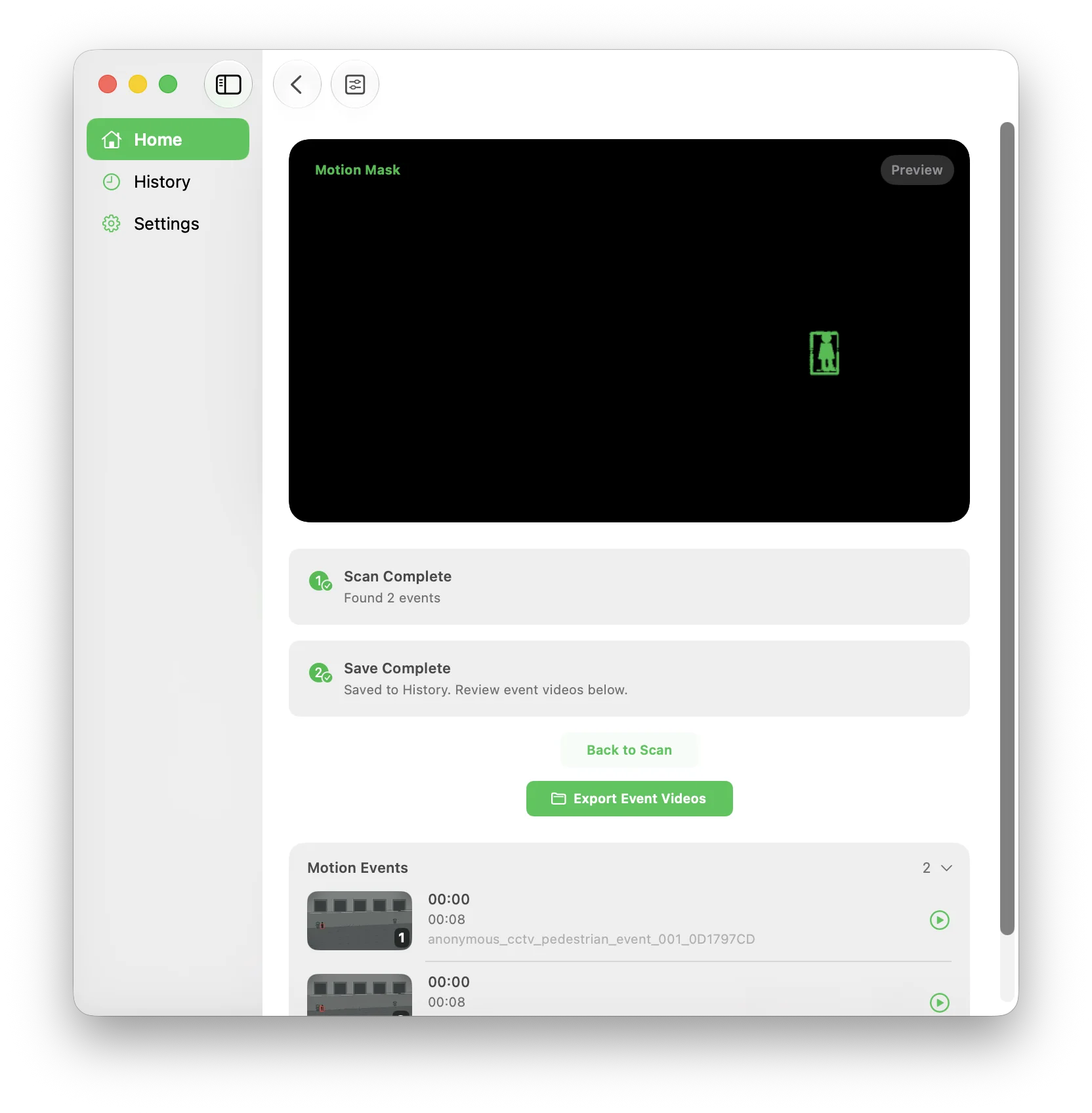
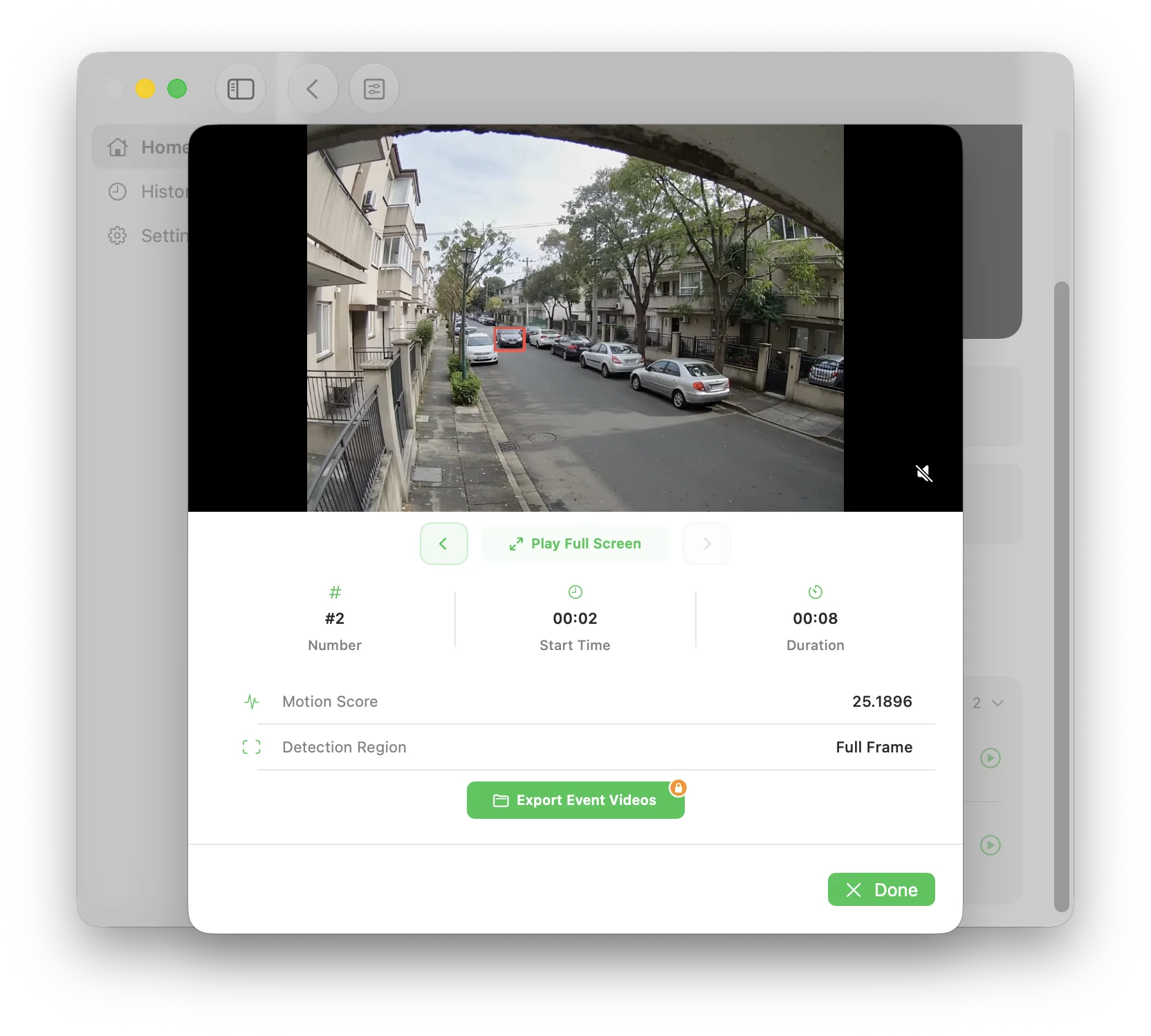
MoFind scans saved video on your device, detects changes, and creates an event list with timestamps, durations, motion scores, and thumbnails.
Import MP4, M4V, or MOV recordings from a security camera, doorbell, or trail camera and skip the quiet stretches.
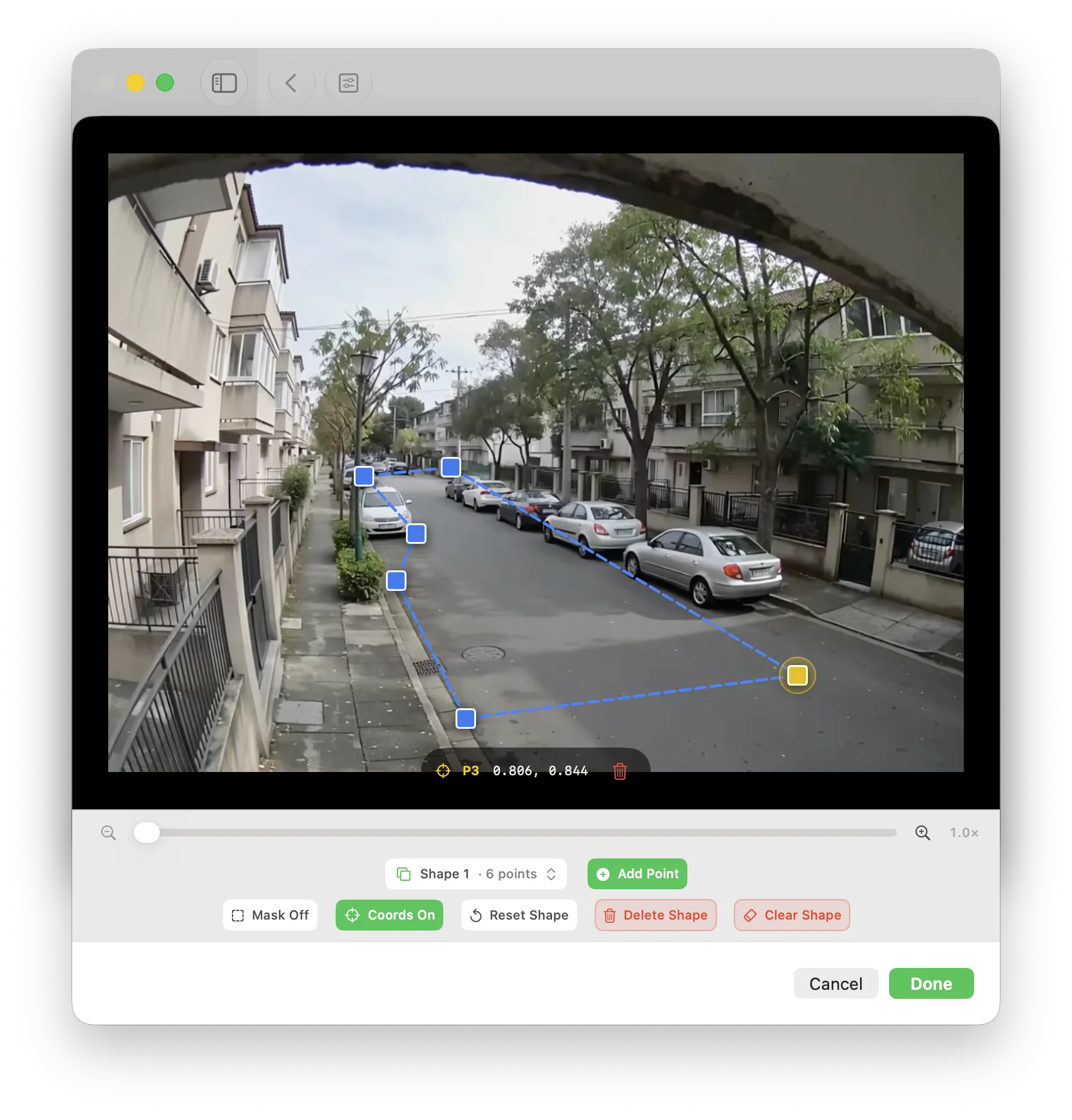
Choose a time range and sensitivity, then limit analysis to the detection region you care about.
Review each event with its start time, duration, score, and thumbnail, then create an annotated export with motion boxes when needed.
All scanning and analysis happens on your iPhone, iPad, or Mac. Your videos are not uploaded, and MoFind is built for saved files—not live camera monitoring.
Built for front doors, yards, garages, warehouses, shops, and any place where the important moment is buried in a long recording.
Scan saved videos and review motion events on iPhone, iPad, or Mac.
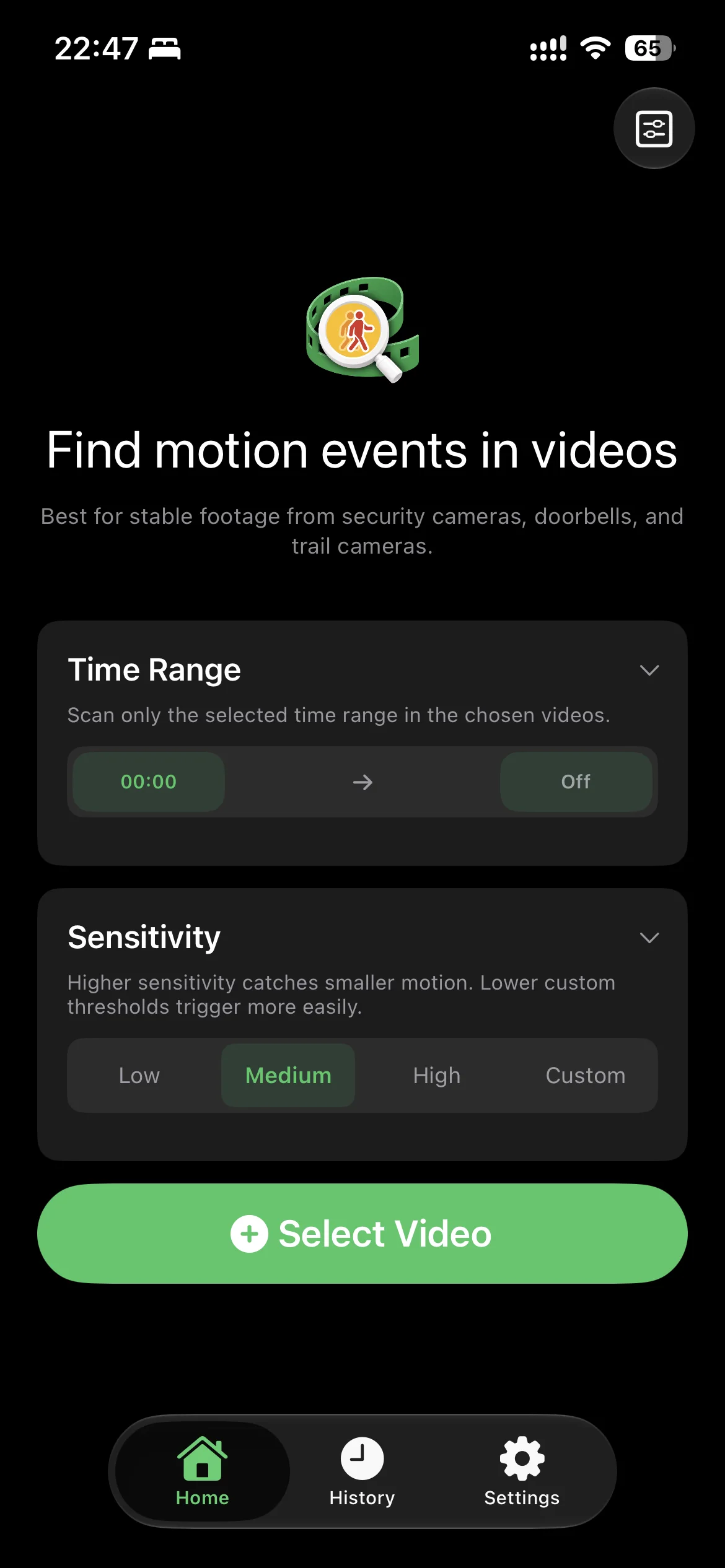
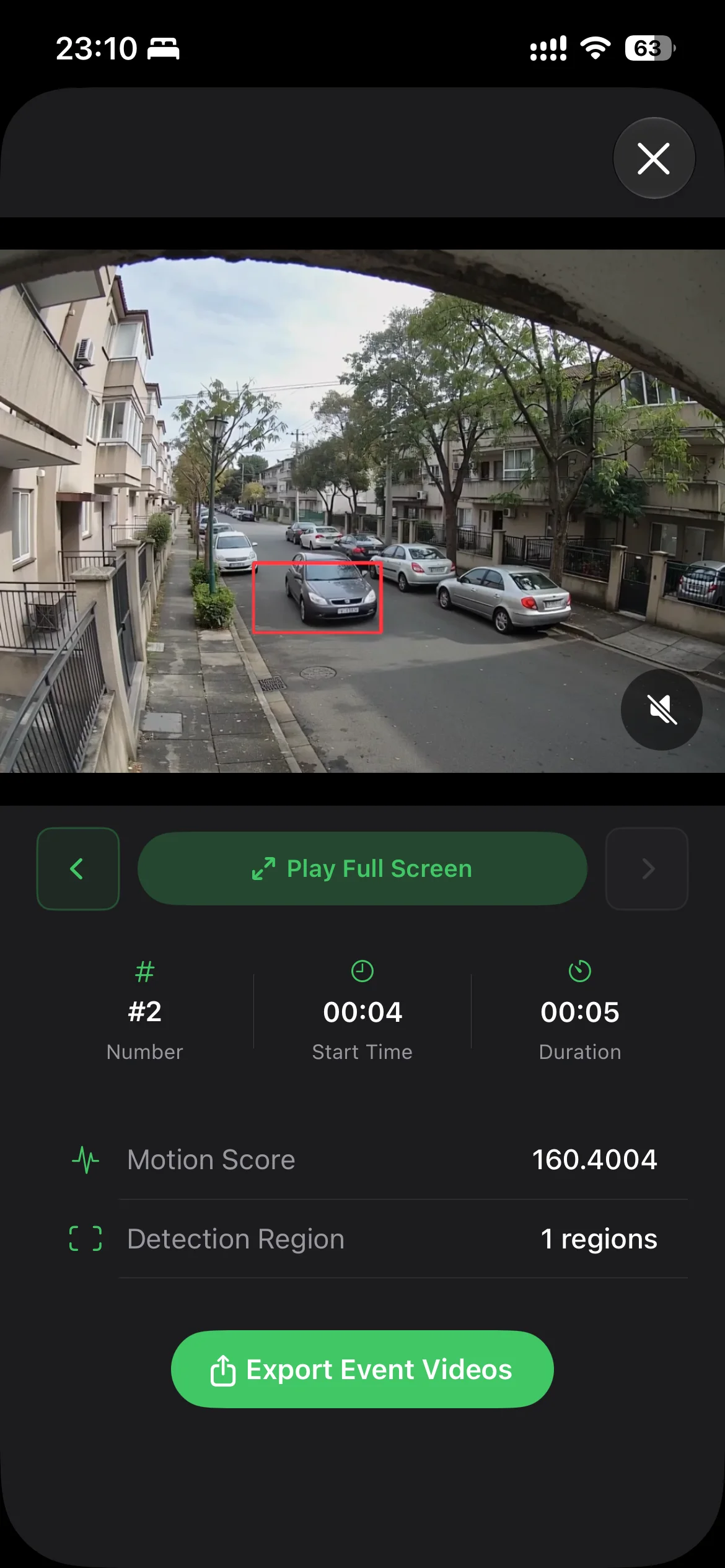
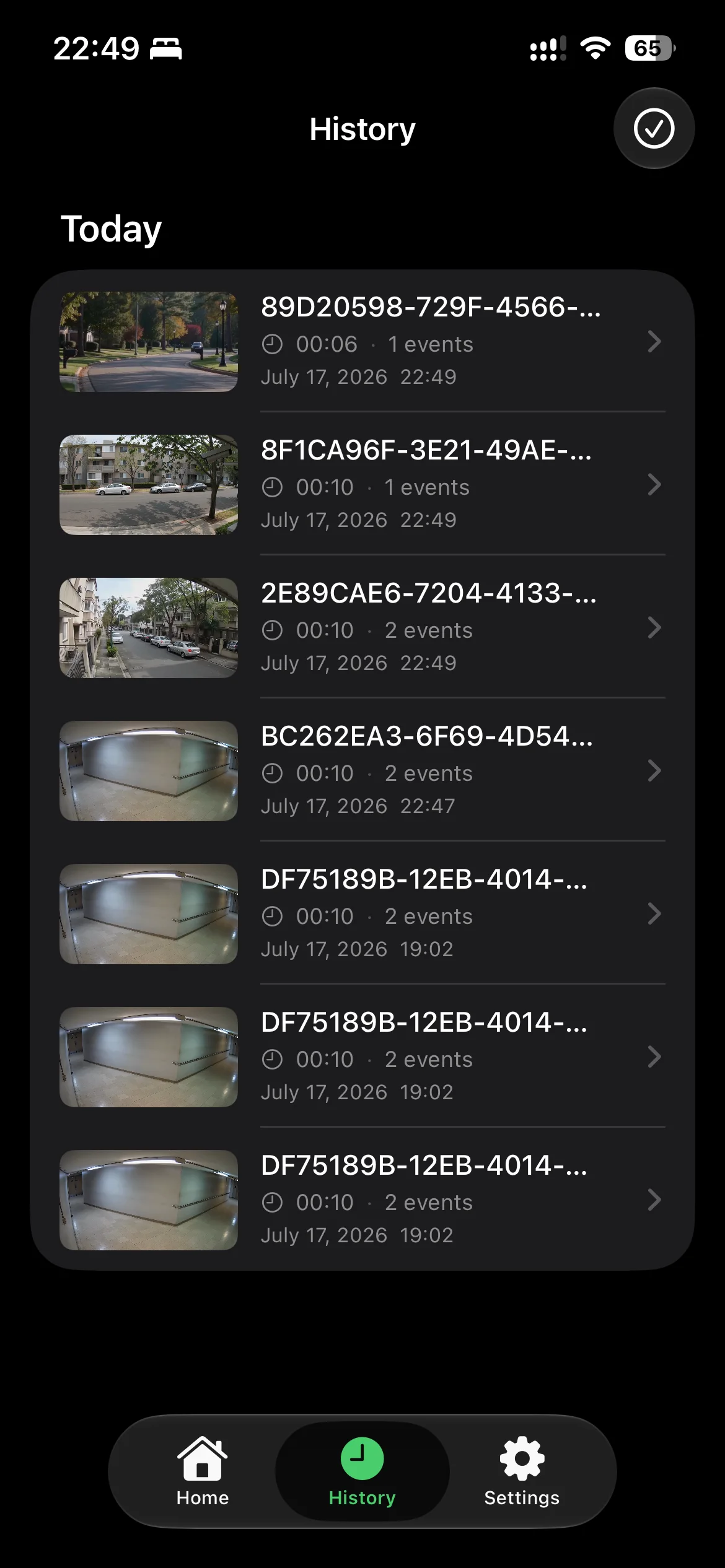
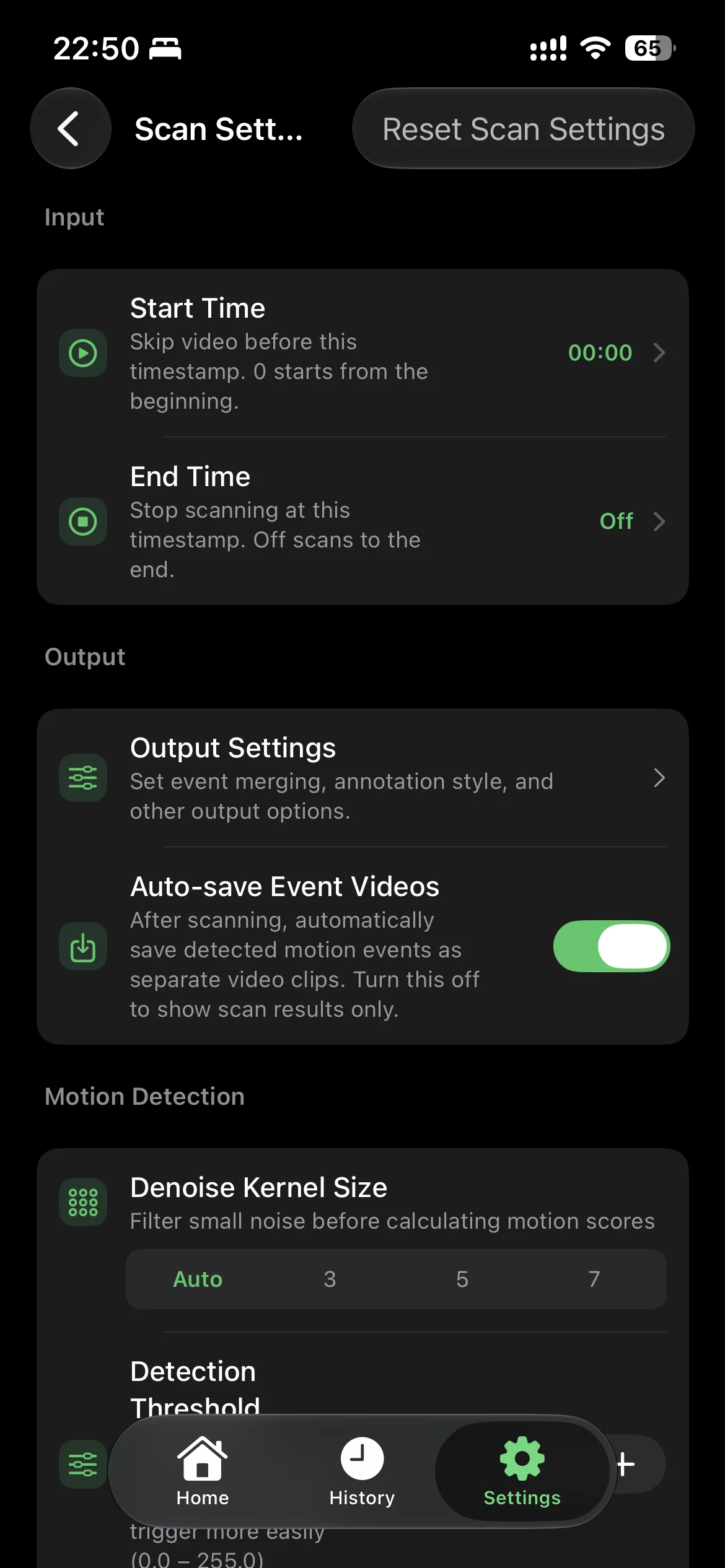
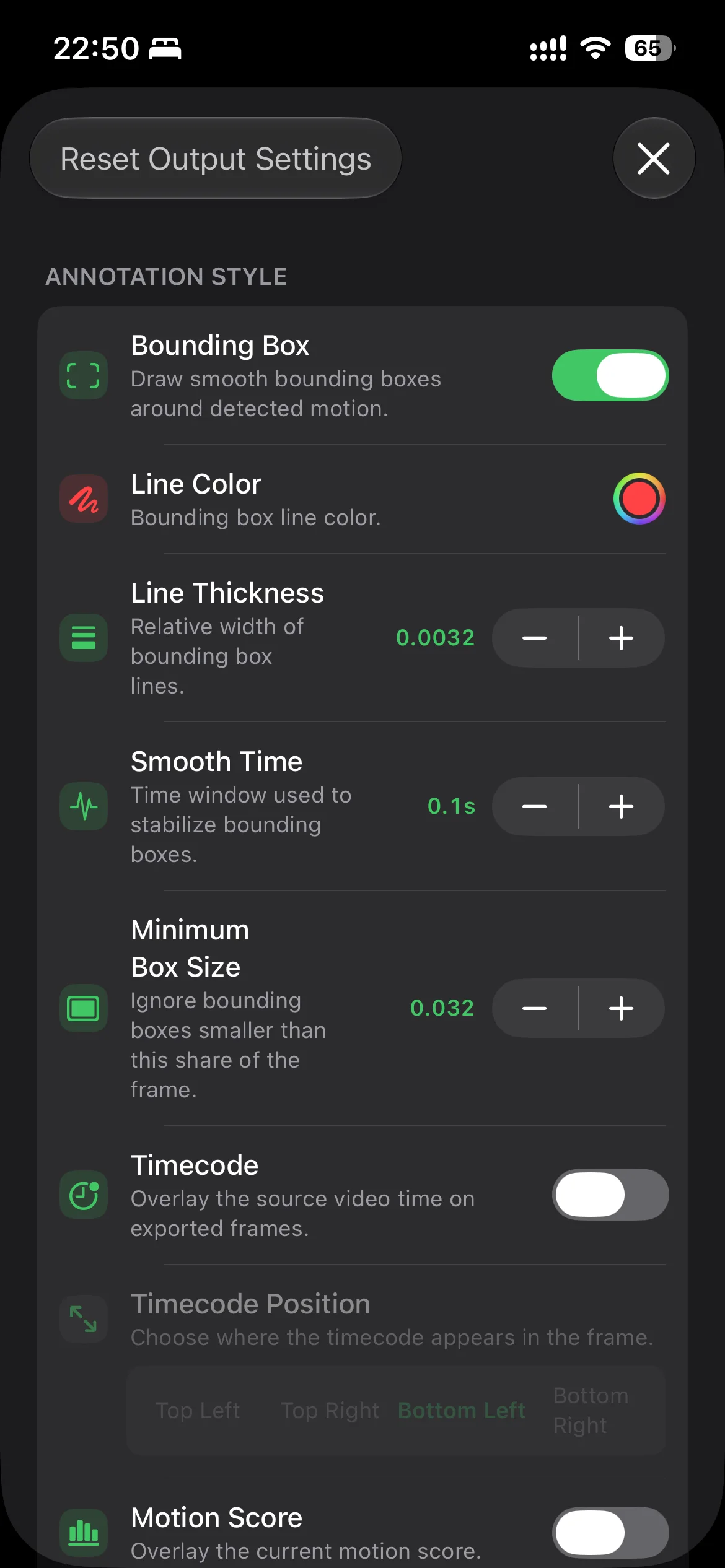
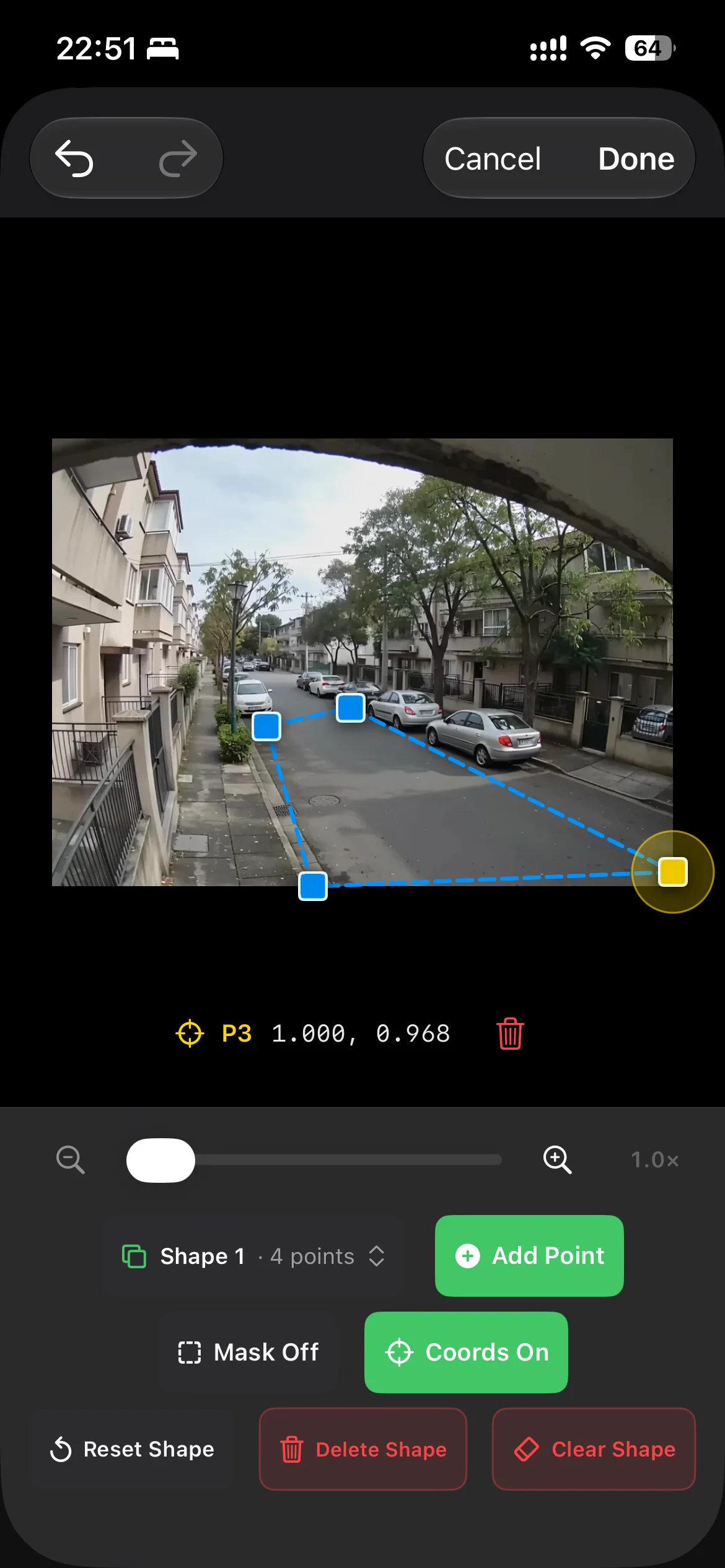
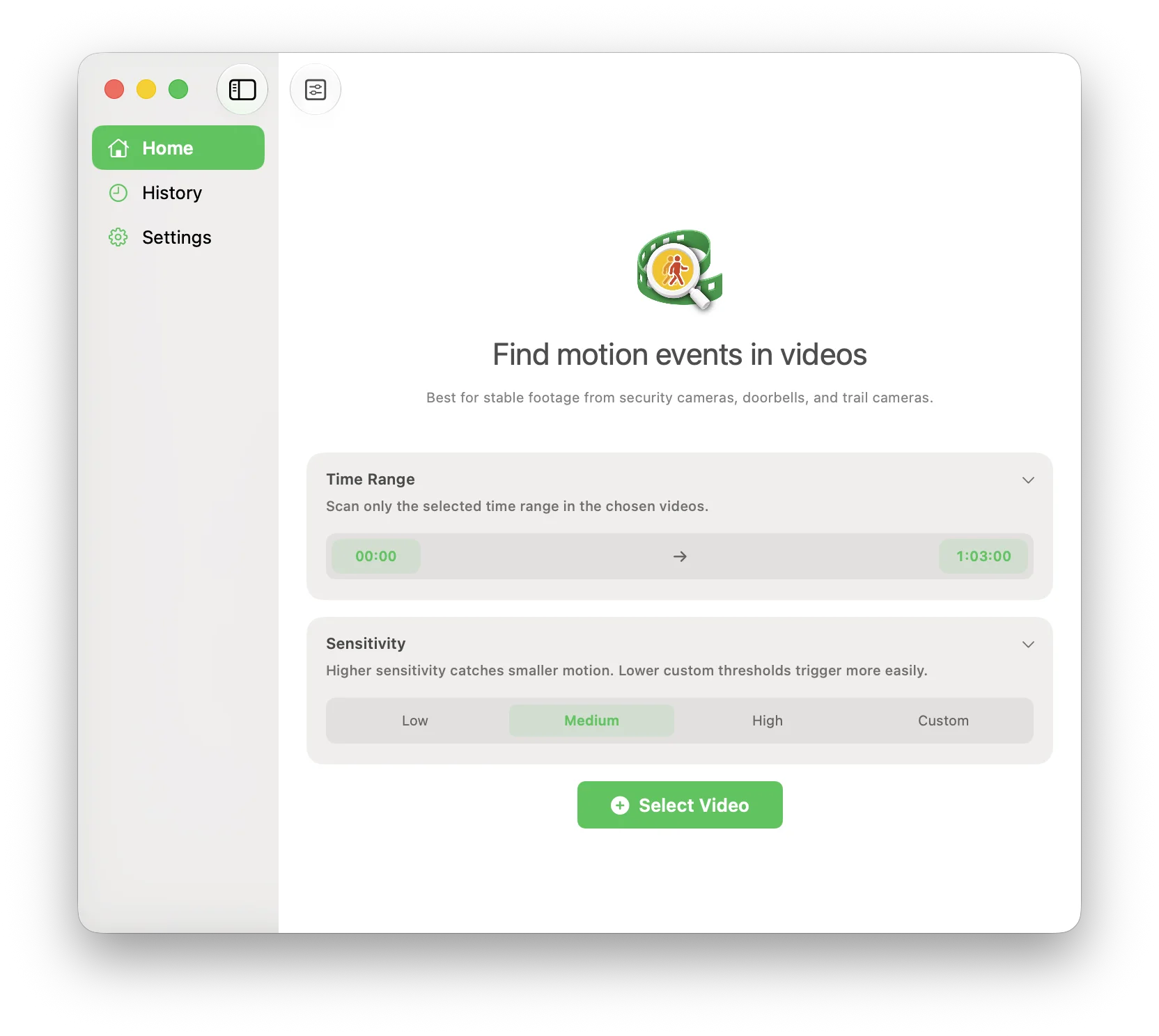
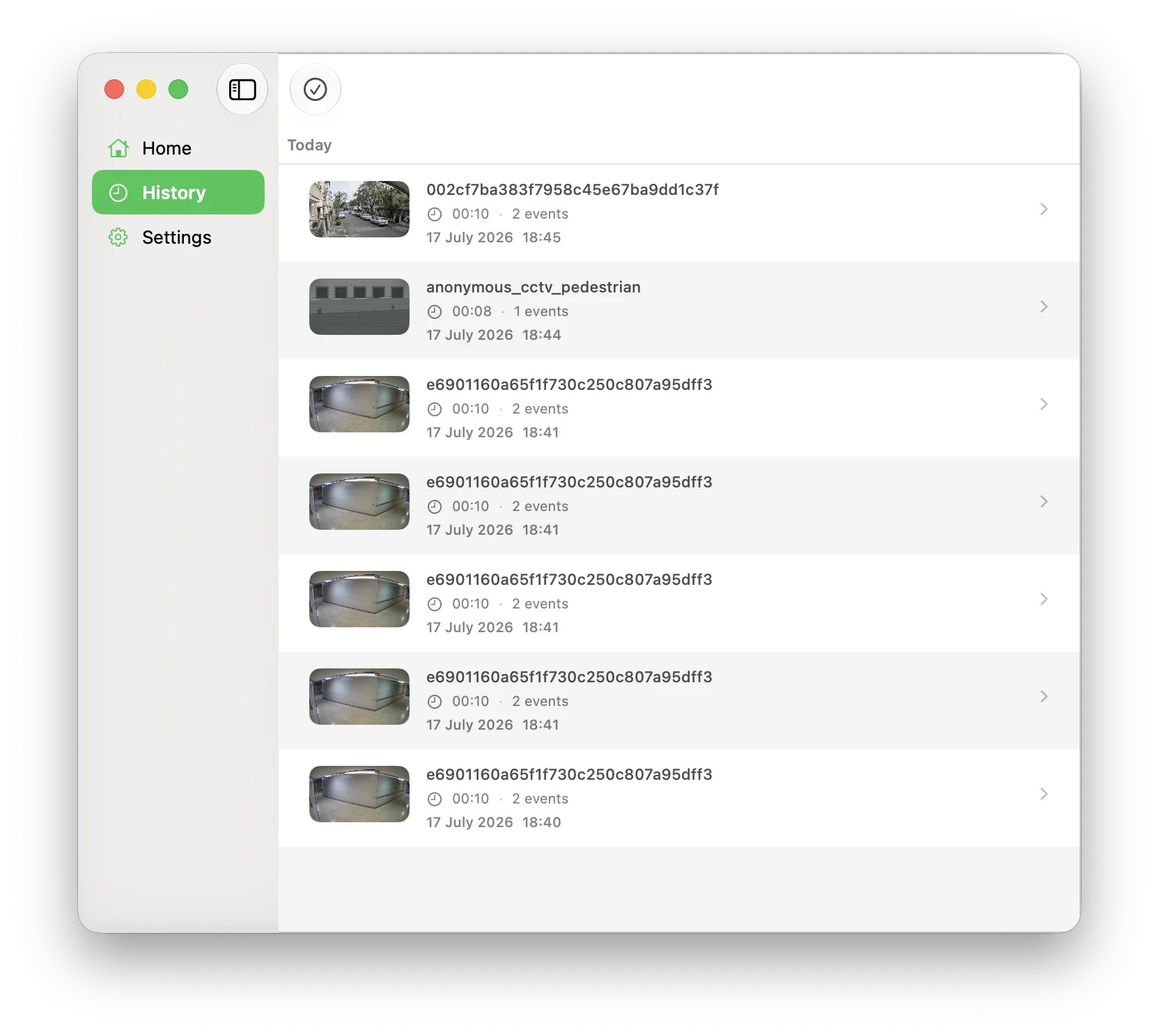
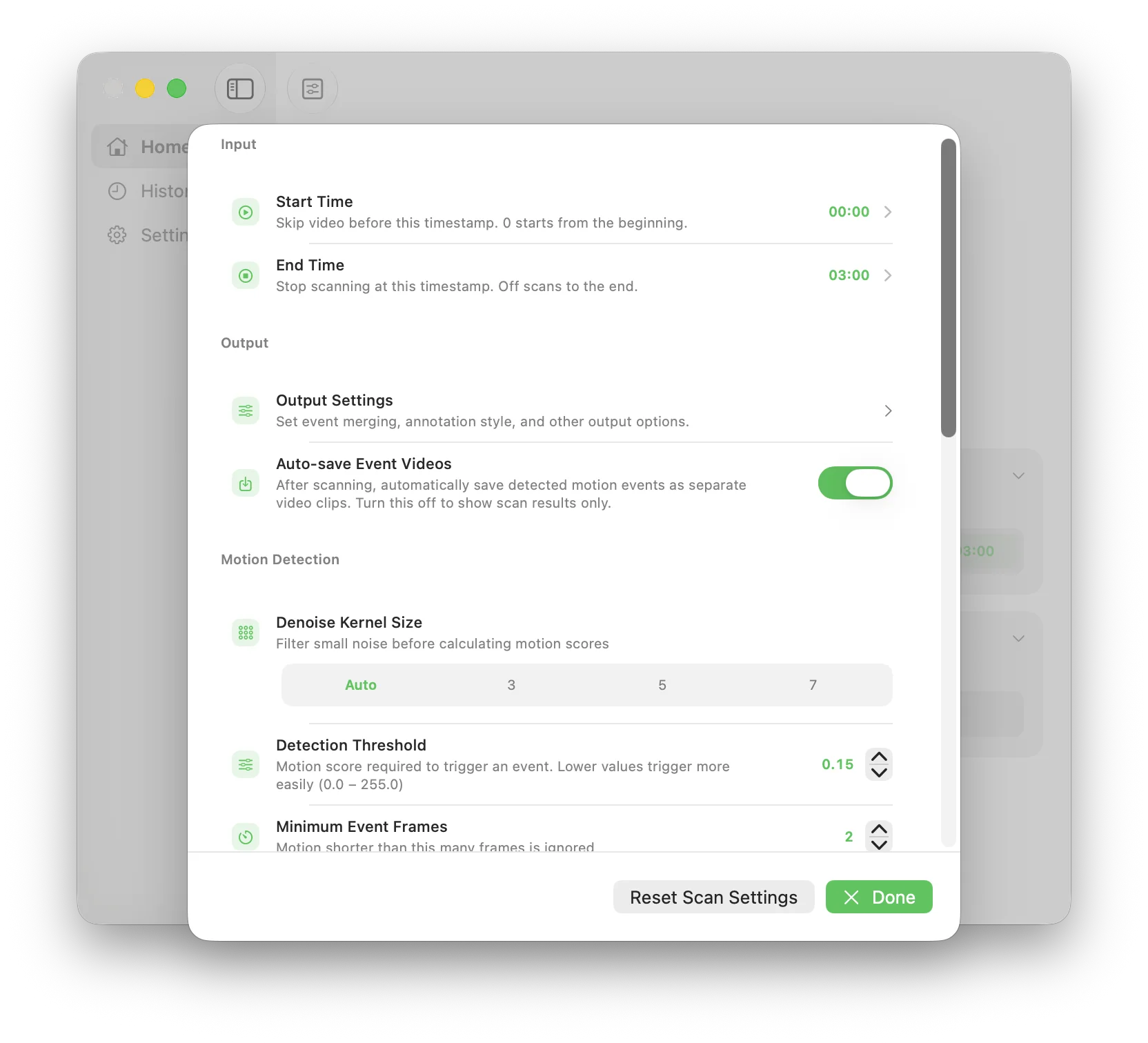
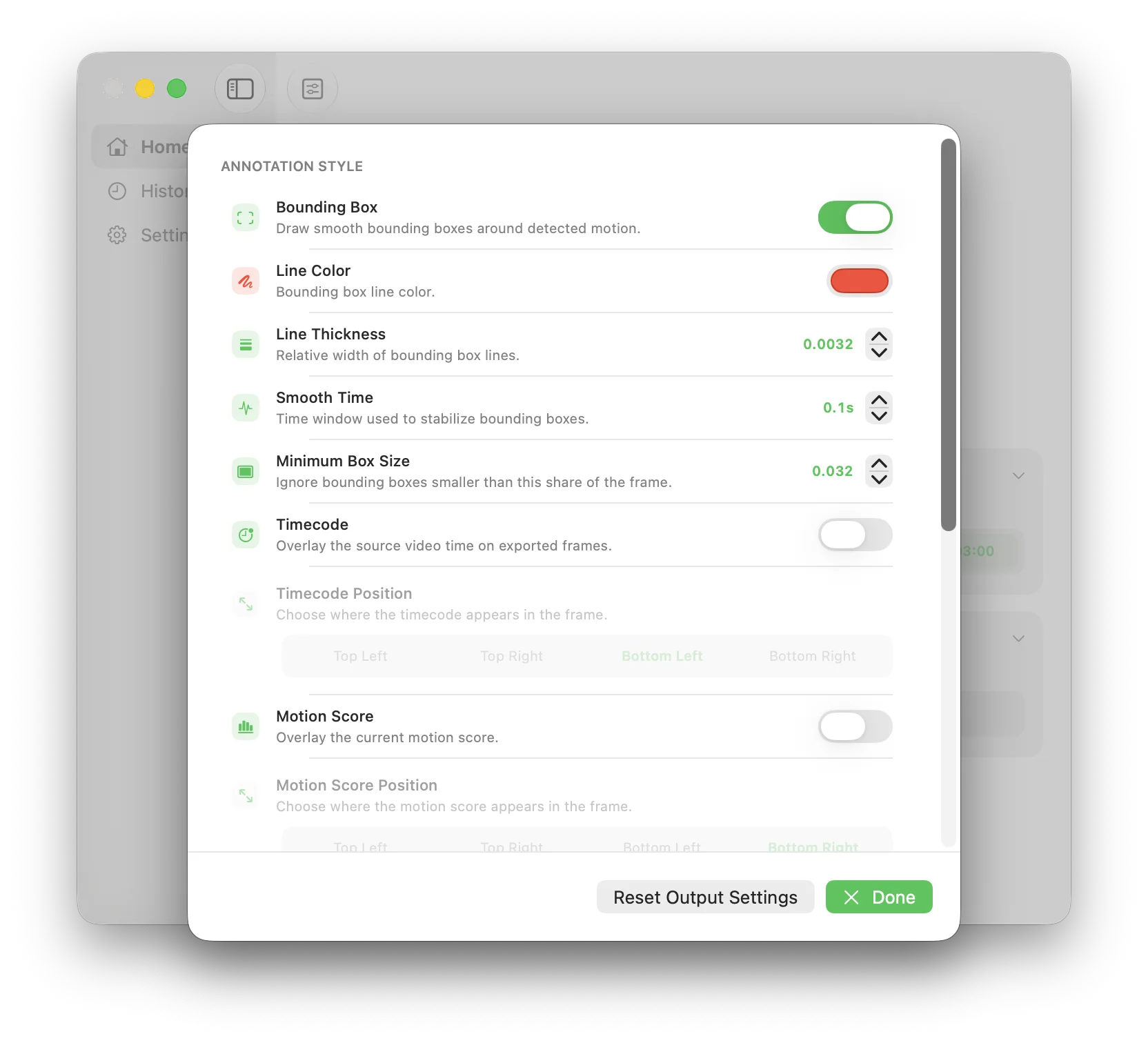
The free version supports one video up to 30 minutes and one detection region. Pro unlocks longer videos, multi-video queues, multiple regions, and event clip export.
Follow a focused guide for the camera workflow you already have.
Focus on the entrance and reduce unrelated changes from roads, trees, and overlays.
Focus on a gate, path, or patio while reducing events from branches and shifting shadows.
Focus on the main door, side entrance, or parking area within the time range you need.
Scan entrances, main aisles, or loading areas within the shift or time range you need.
Focus on entrances, checkout areas, or aisles within the business hours you need.
Scan recorded CCTV clips locally and jump to the sections where movement appears.
Process long wildlife recordings and spend your time reviewing the active moments.
MoFind turns saved camera footage into the moments worth watching.
Download MoFind