Free
$0Free: up to 10 successful conversions in the current list. Remove completed entries or clear the list to free the allowance. Quality and the 10–1000 KB output limit are free.
WebP / JPG / PNG40–100%10–1000 KB


Your images. Smaller files. All on your PC. Batch-convert to WebP, or turn WebP into JPG and PNG without uploading your images.
Windows does not support HEIC/HEIF, AVIF, PSD or RAW input, or AVIF output.
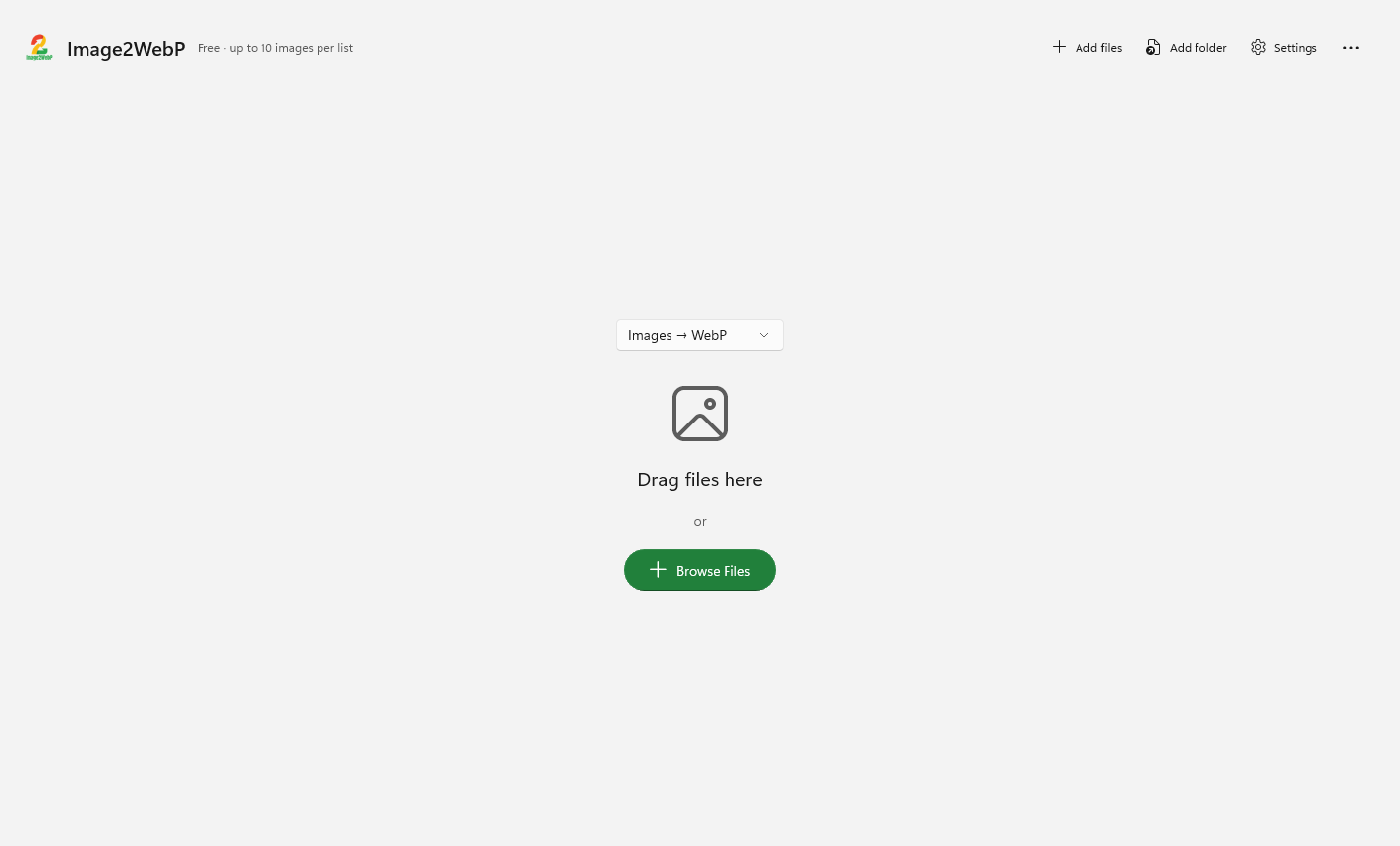
Drop files or folders into the app, or browse to select them.
Pick WebP, JPG or PNG, then choose quality and a save location.
Start the queue. Pause, resume or cancel whenever you need.
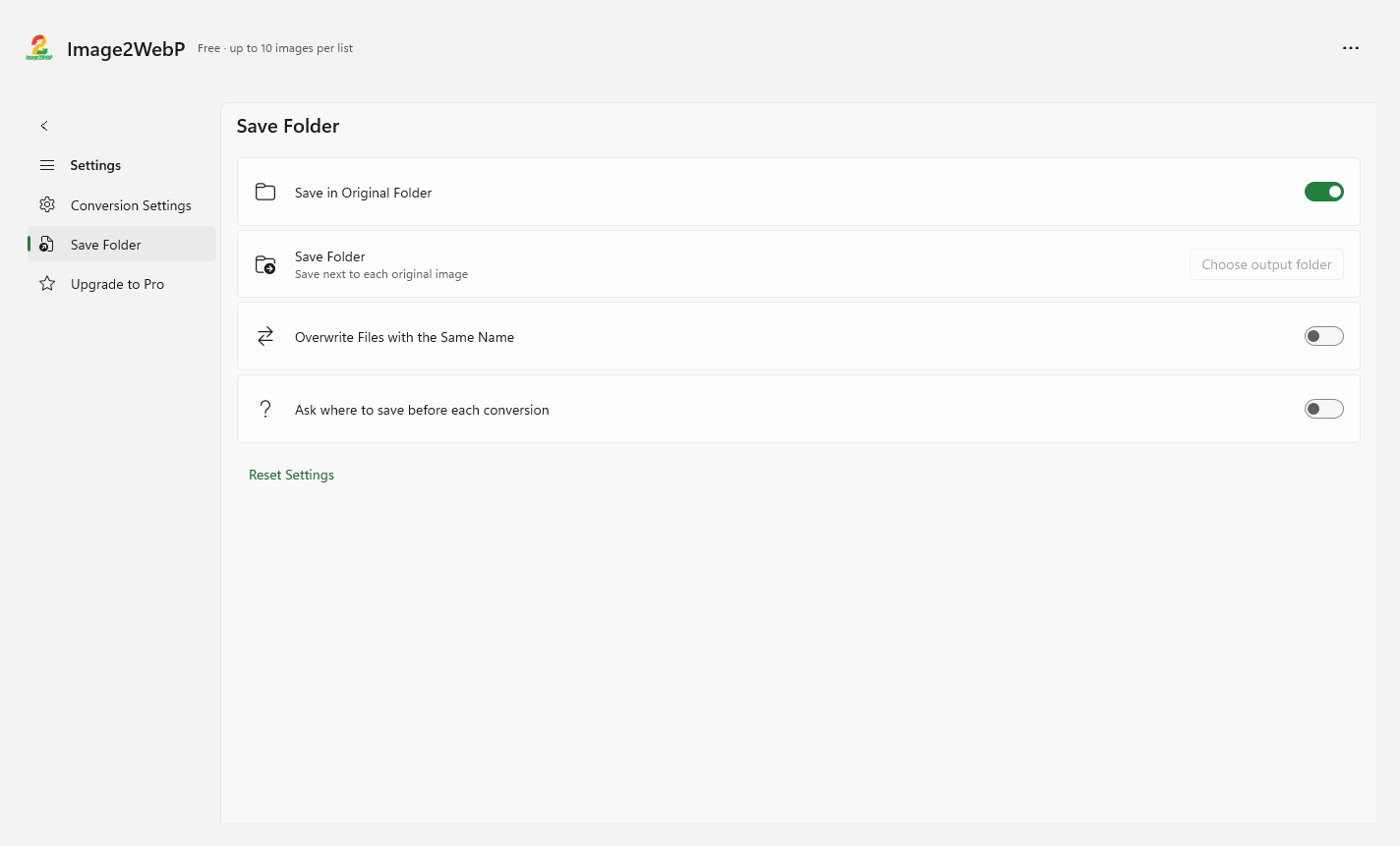
Save beside the originals, select an output folder, or ask for a location before each conversion. Originals are kept by default.
Free: up to 10 successful conversions in the current list. Remove completed entries or clear the list to free the allowance. Quality and the 10–1000 KB output limit are free.
Windows Pro: one-time purchase for unlimited conversions, EXIF/XMP preservation and optional movement of originals to the Recycle Bin after conversion.
Mac and Windows Pro are purchased and restored separately through Apple and Microsoft. Apple Family Sharing does not include Windows Pro. Check the relevant store for local prices.
No. Image decoding and encoding happen locally. Store downloads, license checks, purchases and restoration may need internet access.
Check the input format and choose a save folder you can write to. If conversion still fails, contact support with the format, conversion mode and Windows version.