A queue you can control
Add images or folders. Pause after in-progress conversions finish, then resume the remaining queue when ready.
 Image2WebPWebP & AVIF Converter for Mac
Convert images to WebP or AVIF quickly and locally with Image2WebP. The Mac app supports JPEG, PNG, HEIC, BMP, TIFF, HEIF, PSD, and RAW inputs, and can export WebP or AVIF files back to JPG or PNG.
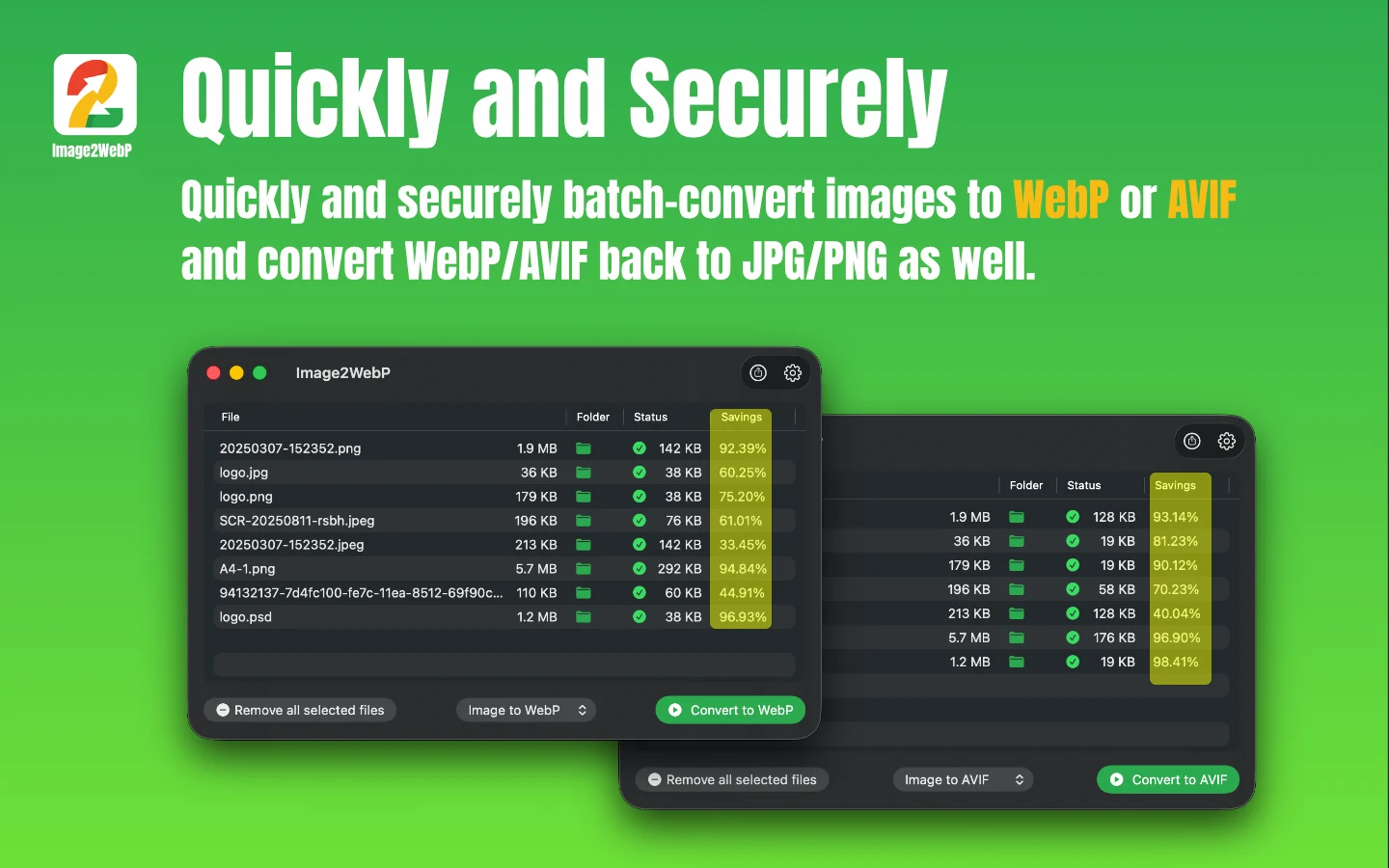

Image2WebP processes image batches locally, with dedicated WebP and AVIF conversion paths and controls for quality or WebP target size.

Image decoding and encoding run locally on your Mac. Your image files are not uploaded for conversion.

Adjust output quality from 40–100%, or set a WebP target size from 10–1000 KB, to control the size and quality trade-off.
Add images or folders. Pause after in-progress conversions finish, then resume the remaining queue when ready.
Save beside the originals, choose a fixed folder, or ask where to save before each conversion.
Set quality from 40–100%; WebP mode also supports a 10–1000 KB target. Pro can preserve EXIF metadata.
Current App Store version: 1.8.6. Requires macOS 14.0 or later.
Export WebP images into widely compatible formats, one file or a whole batch at a time.
Open AVIF files locally and create images that are easier to share and edit.
Turn iPhone HEIC photos into smaller modern image files without uploading them.
Image2WebP is a local macOS converter with six modes: image to WebP or AVIF, WebP to JPG or PNG, and AVIF to JPG or PNG.
Convert JPEG/JPG, PNG, GIF, HEIC, BMP, TIFF, HEIF, AVIF, PSD, and RAW image types supported by macOS to WebP.
Convert JPEG/JPG, PNG, HEIC, BMP, TIFF, HEIF, WebP, PSD, and RAW image types supported by macOS to AVIF.
Image2WebP also supports converting AVIF to JPG/PNG images, as well as converting WebP to JPG/PNG images.
Yes. Free processes up to 10 files per batch; Lifetime Pro removes the limit. Pausing lets in-progress files finish before the remaining queue stops.
Yes. Drag and drop individual images, multiple images, or entire folders.
Yes. Lifetime Pro can preserve camera details and GPS location during conversion.
Image2WebP requires macOS 14.0 or later.