
Detect, then review
Find faces, plates and potential sensitive text. Check every result and adjust or turn off masks as needed.
 FTMASK · Processed on your device
Cover faces, sensitive text and license plates in photos and screenshots. Start with automatic detection, then fine-tune each area.
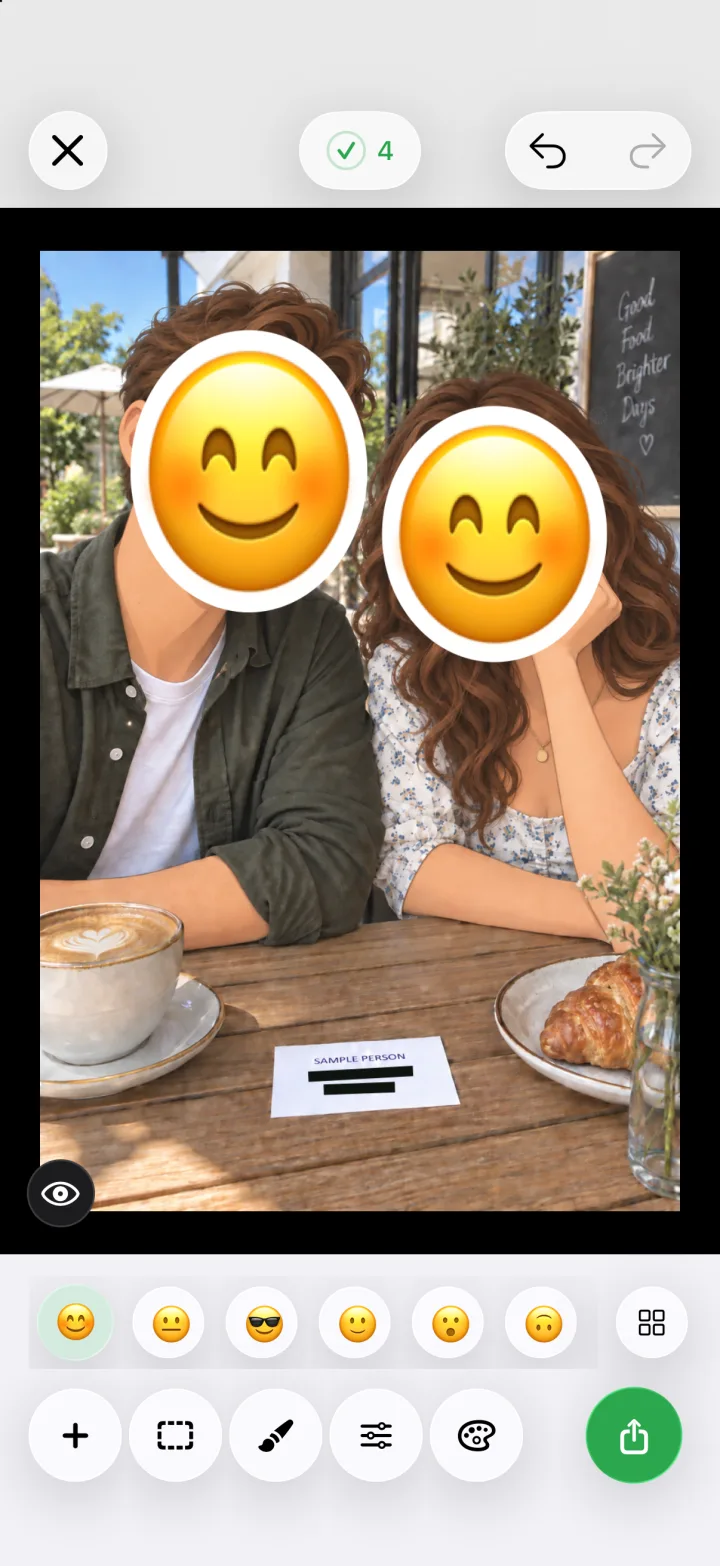
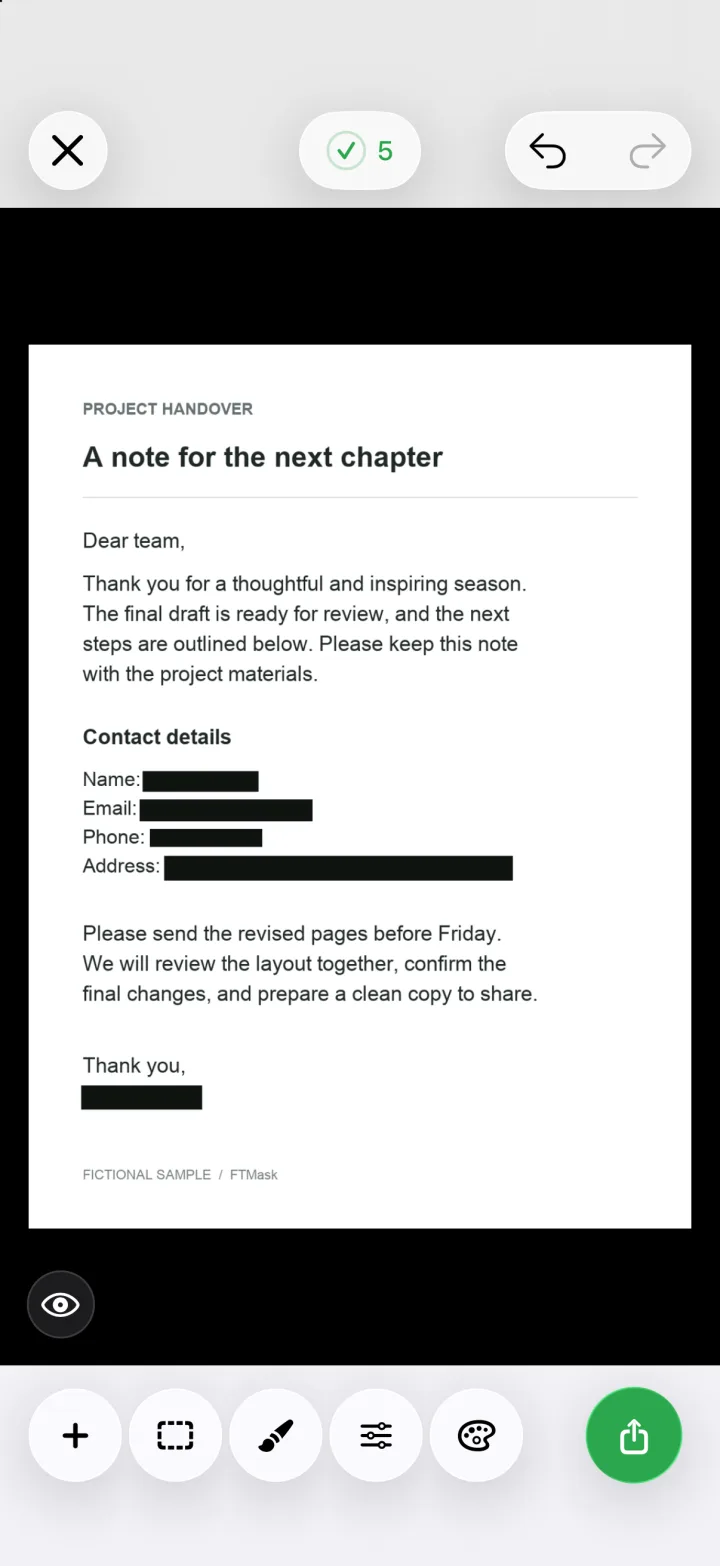
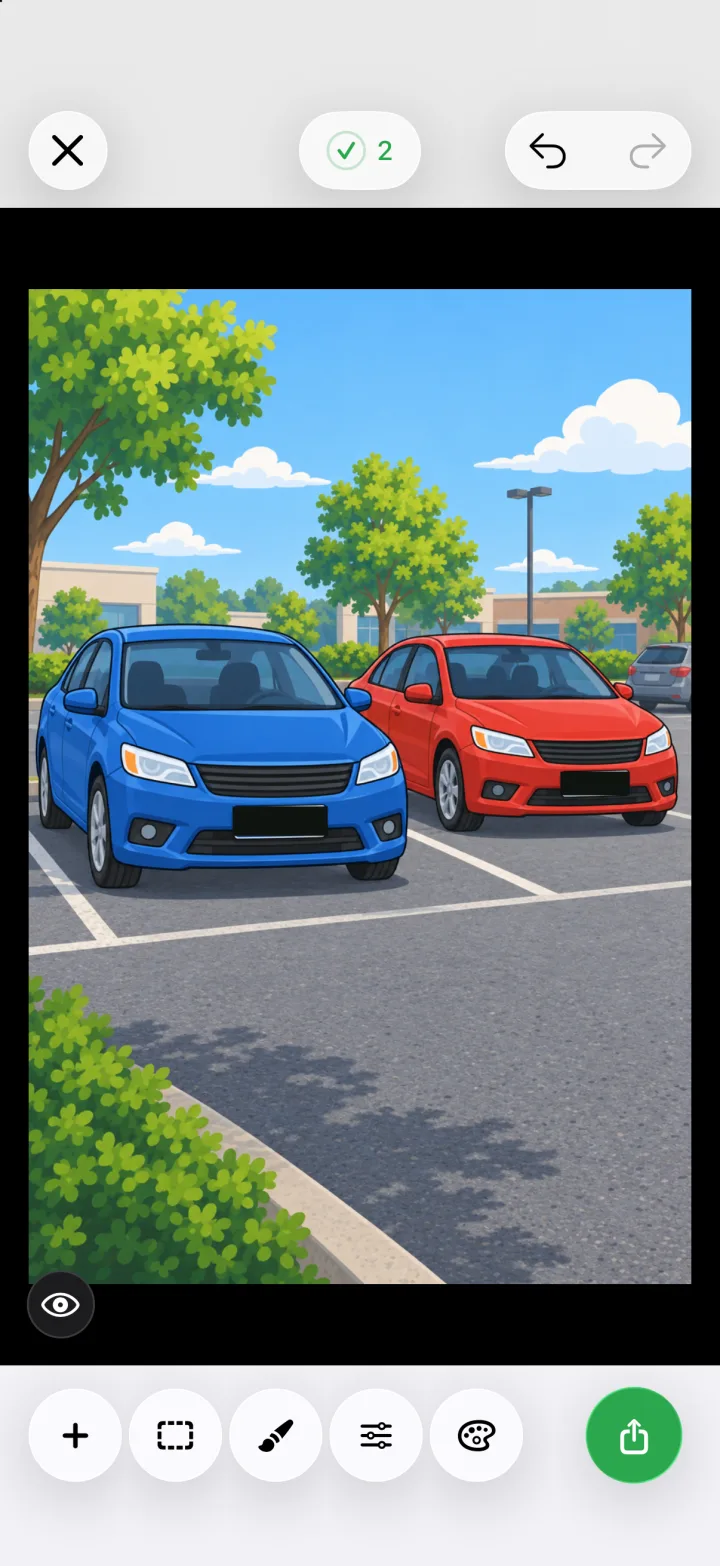
Find faces, plates and potential sensitive text. Check every result and adjust or turn off masks as needed.
Choose a solid color, blur, pixelation or emoji. Adjust pixel size or add a rectangle or brush mask by hand.
Move and resize masks. Use undo, redo, zoom and the original-image comparison before exporting.
Open an image from Photos, Files or a compatible app’s share sheet. Export a separate PNG or JPEG without replacing the original.
Actual app screenshots; the interface shown is in English.
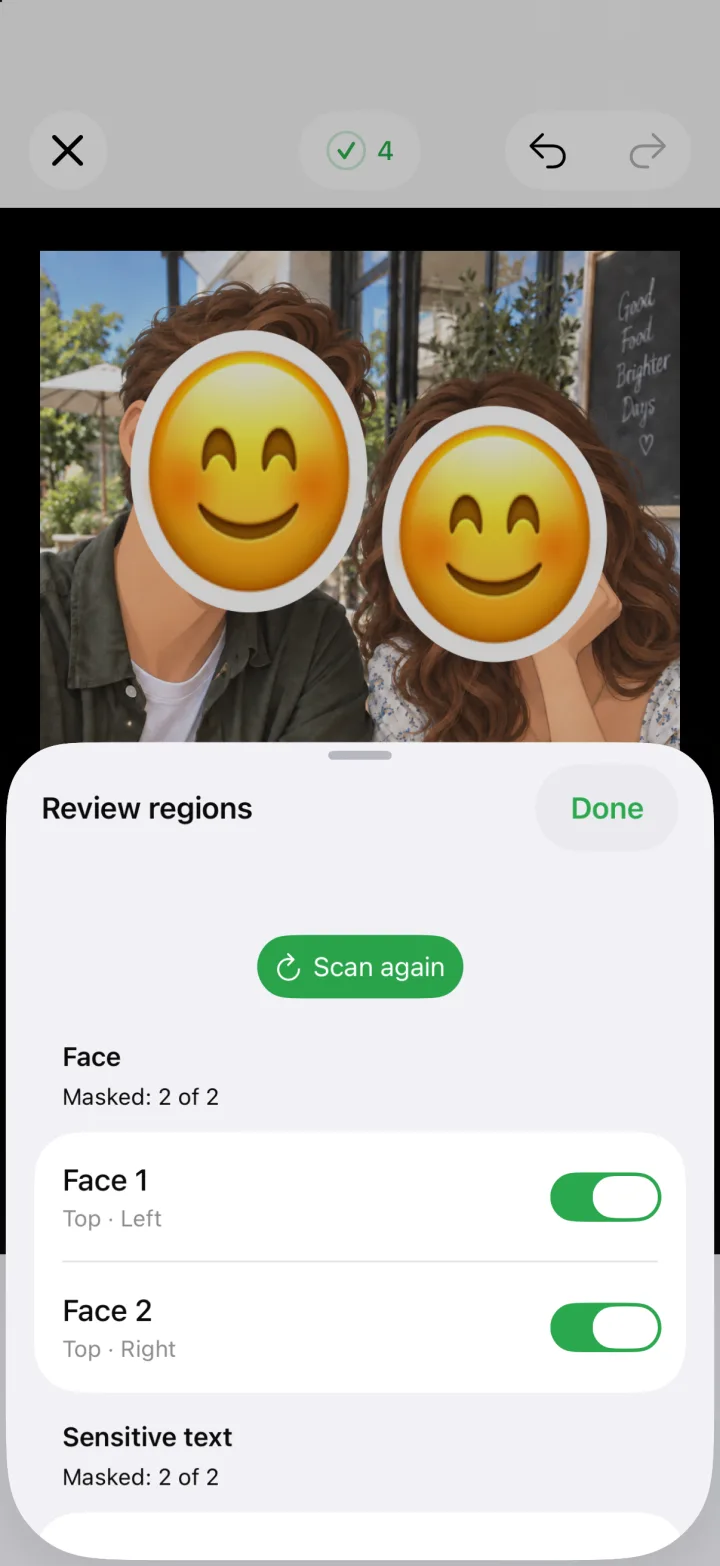
No account needed. FTMask processes images locally and does not upload your selected images to the developer’s servers.
Privacy ↗iPhone and iPad with iOS/iPadOS 26.0 or later. Single still JPEG, PNG or HEIC/HEIF images up to 24 megapixels; no video or animated images.
Yes. Detection can miss sensitive details or select areas you want to keep visible. Review and adjust before exporting.
Use an opaque solid color and check the export. Blur and pixelation do not guarantee information cannot be inferred or recovered. Emoji must fully cover the area.
No. Free exports retain EXIF/GPS data when present. Lifetime Pro lets you keep or remove it in Settings.